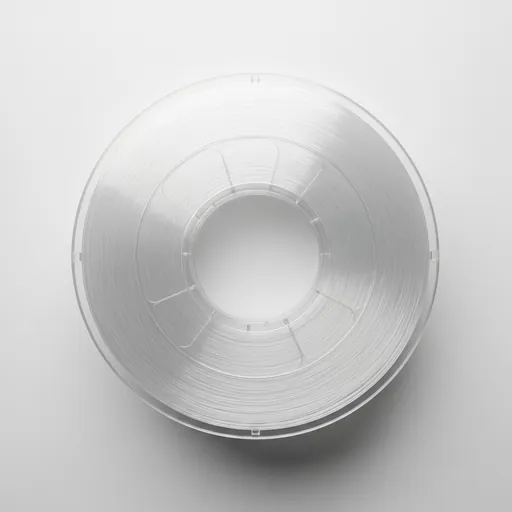
MatterHackers PC Premium — PCFilament Review & Print Settings
MatterHackers PC Premium (Polycarbonate). Filament retailer that also manufactures their own NylonX, PRO series, and Build Series materials. Very high impact strength and heat resistance to 110°C. Difficult to print — requires high-temp hotend and enclosure. Long-term UV yellowing. Print temp: 260-310°C. Bed: 100-120°C. Cooling fan: No. Enclosure: Yes.
Quick Specs
Print Settings Guide for MatterHackers PC Premium
Set your nozzle temperature to the manufacturer-recommended range°C and your bed to 100-120°C. Start at the lower end of the print temperature range and increase by 5°C increments until you achieve clean layer bonding. A direct-drive extruder provides better control on most materials. First layer: slow to 25 mm/s and check bed adhesion before walking away. Dial in retraction for your specific printer — start at 5mm for Bowden, 2mm for direct drive.
Why Choose MatterHackers PC Premium
MatterHackers PC Premium is a PC filament from MatterHackers that delivers reliable results across a range of print conditions. Community reception has been positive for its consistent diameter and batch-to-batch color accuracy. As a USA, it sits in a specific performance tier within the PC family. When comparing PC options, consider print temperature range, brand support, and availability of your preferred color.
What to Print with MatterHackers PC Premium
MatterHackers PC Premium is well-suited for projects that align with the mechanical and thermal properties of PC. Functional parts, display models, and tooling inserts are common applications. Match the material to the end-use environment: consider heat exposure, UV, humidity, and mechanical stress before committing to a full print run. Start with small test pieces to validate settings before printing large, time-intensive projects.
Common Issues & Fixes
PC filaments share common troubleshooting patterns. Stringing: reduce temperature and increase retraction. Bed adhesion failures: clean with IPA, adjust Z-offset, ensure correct bed temperature. Layer delamination: increase nozzle temperature and slow print speed. Moisture: store all filaments with desiccant and dry before use if stored over 3 months.
Where to Buy MatterHackers PC Premium
Find MatterHackers PC Premium from Amazon and authorized resellers. Price comparison helps — filament costs vary by vendor, fulfillment location, and quantity. Check manufacturer storefronts for direct pricing and bundle deals.
PrintLog3D participates in the Amazon Associates program. Purchases through our links may earn a small commission at no extra cost to you.
Log your PC prints in PrintLog3D
Track your actual settings for MatterHackers PC Premium — nozzle temp, bed adhesion, slicer profile, and results. Build a settings history that tells you exactly what works.